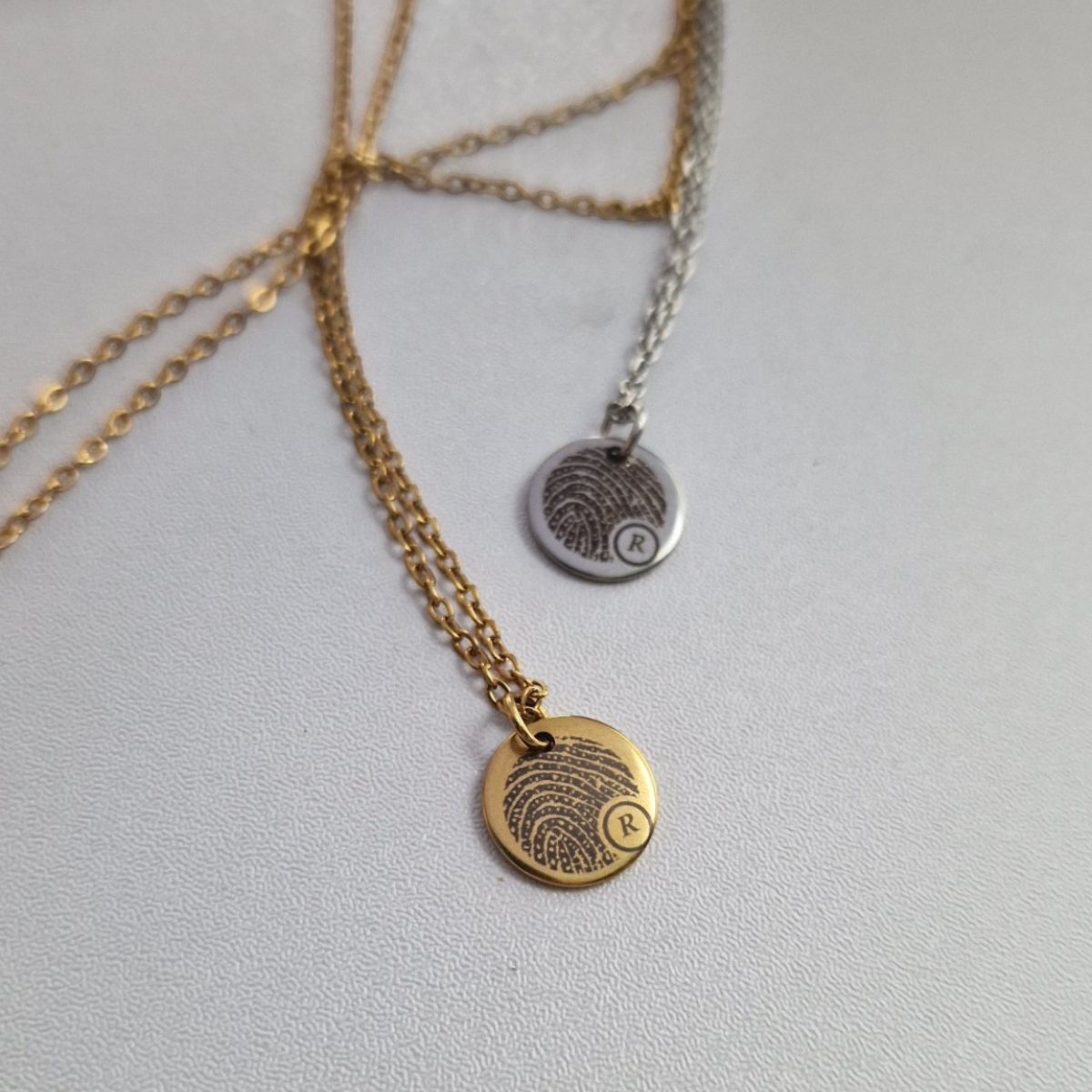
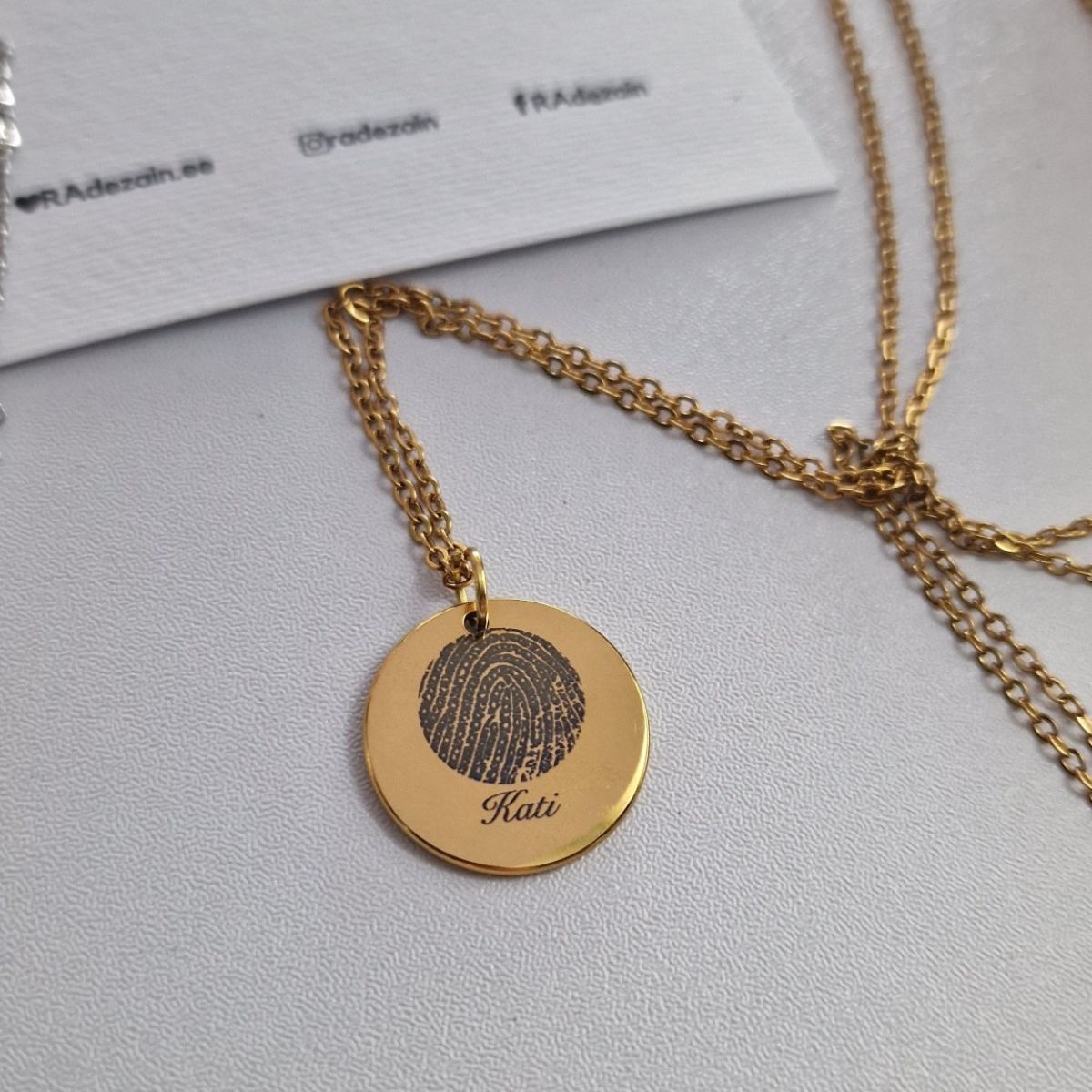
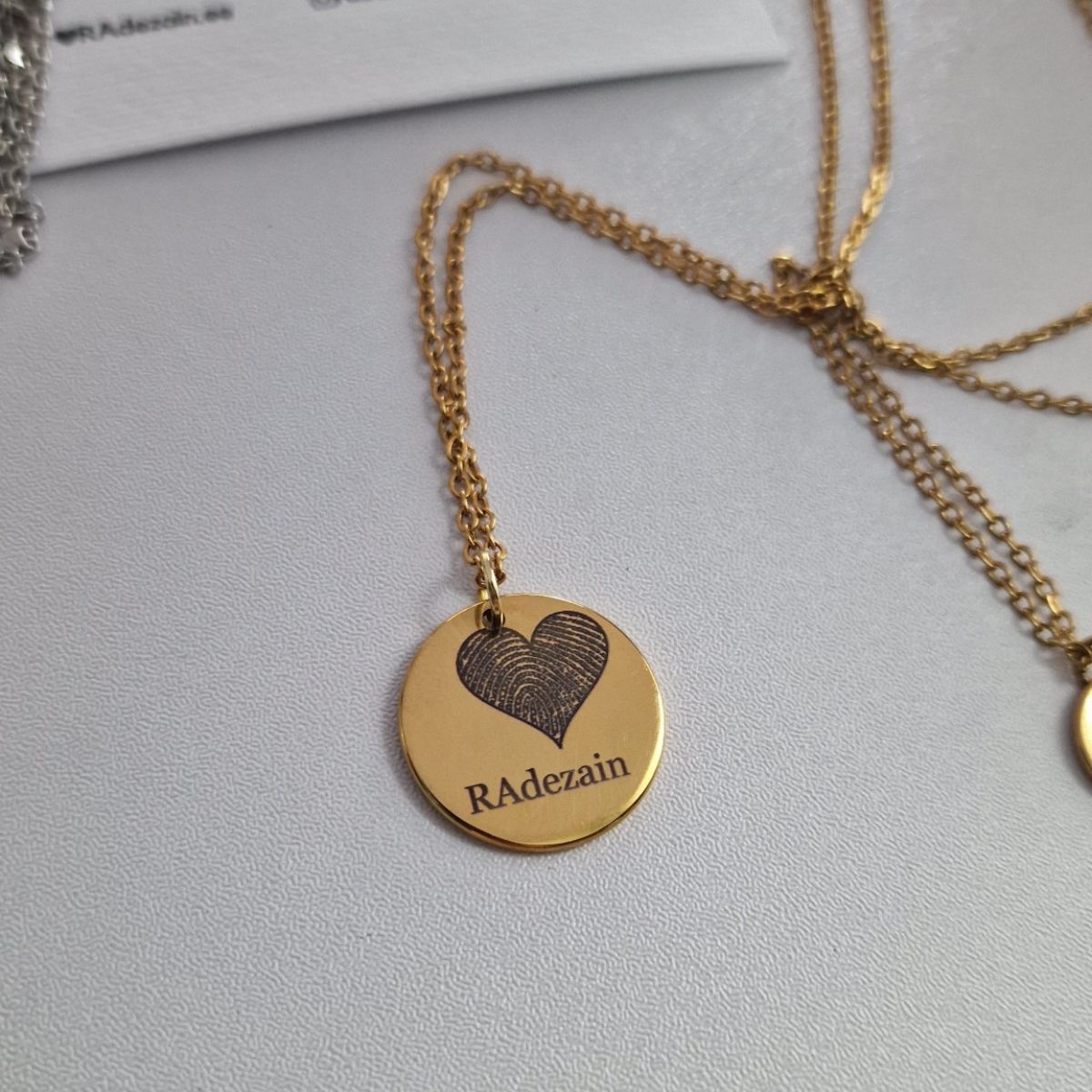
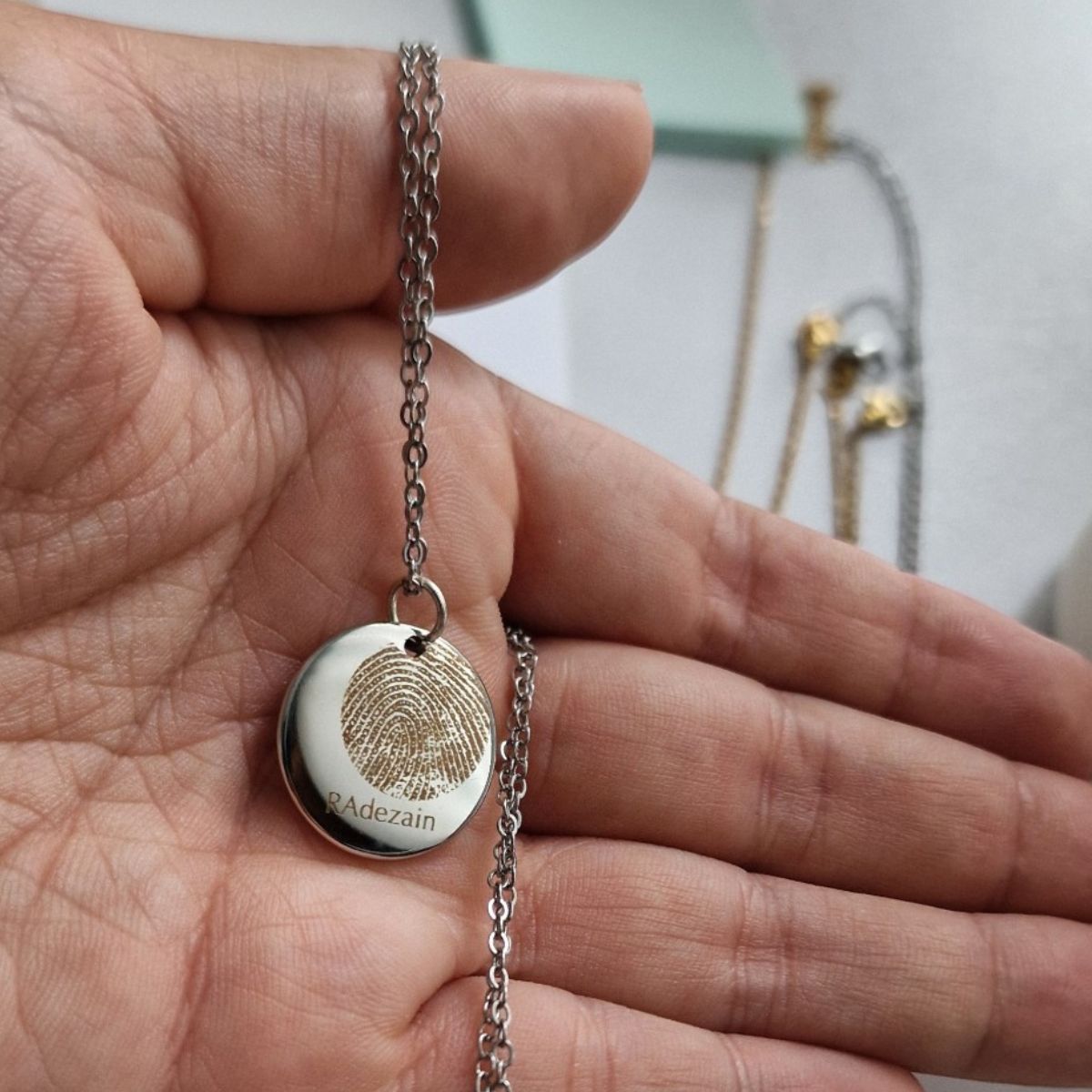
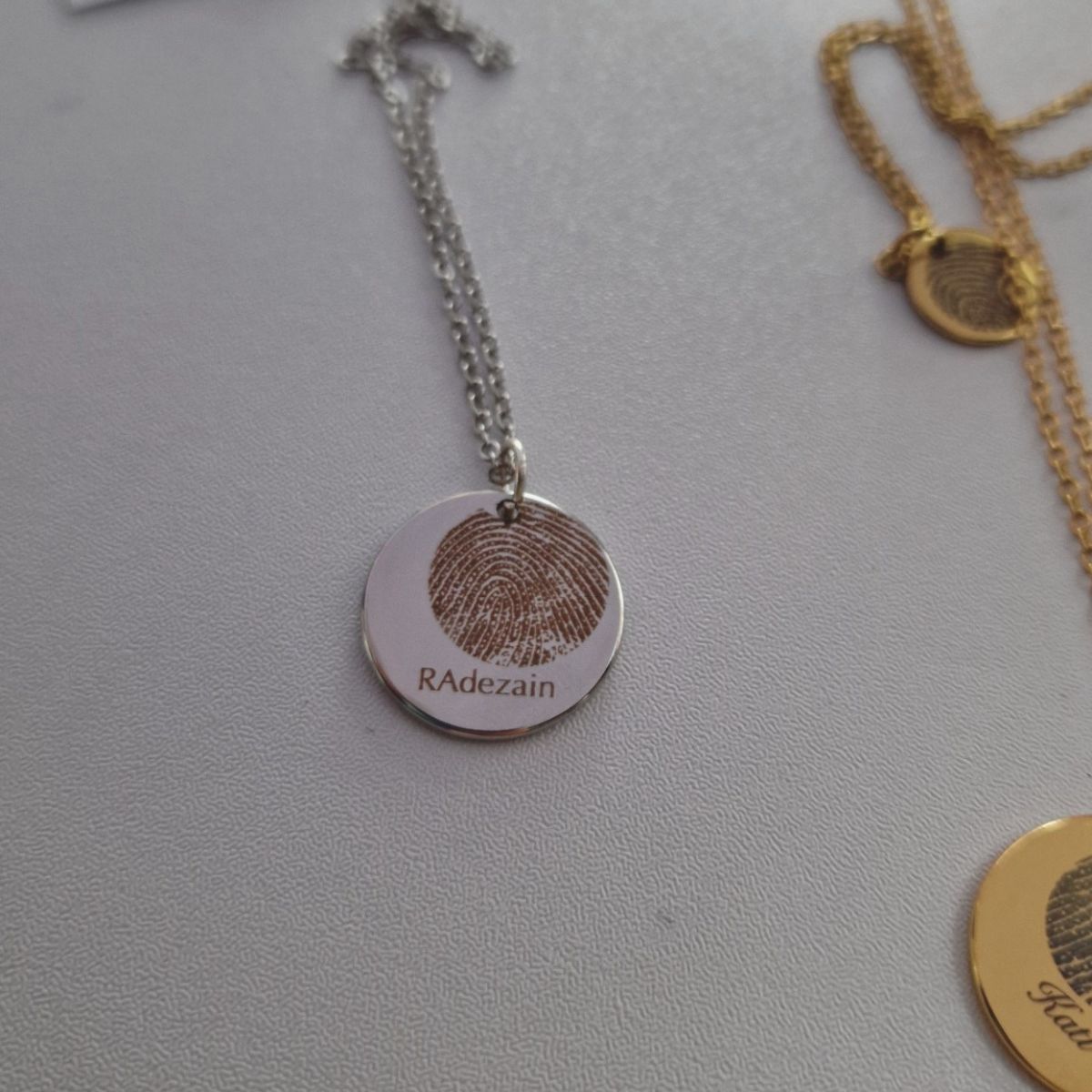
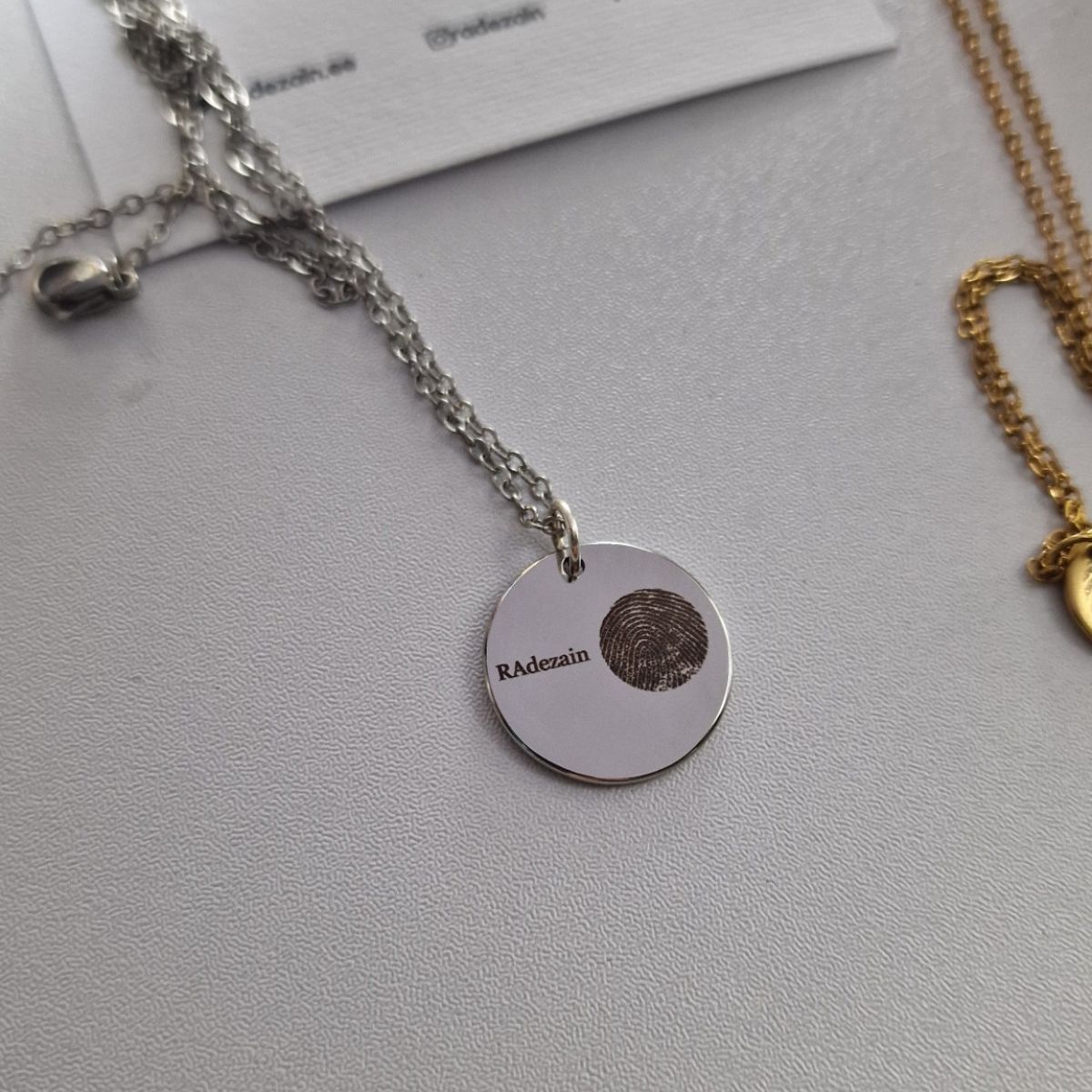
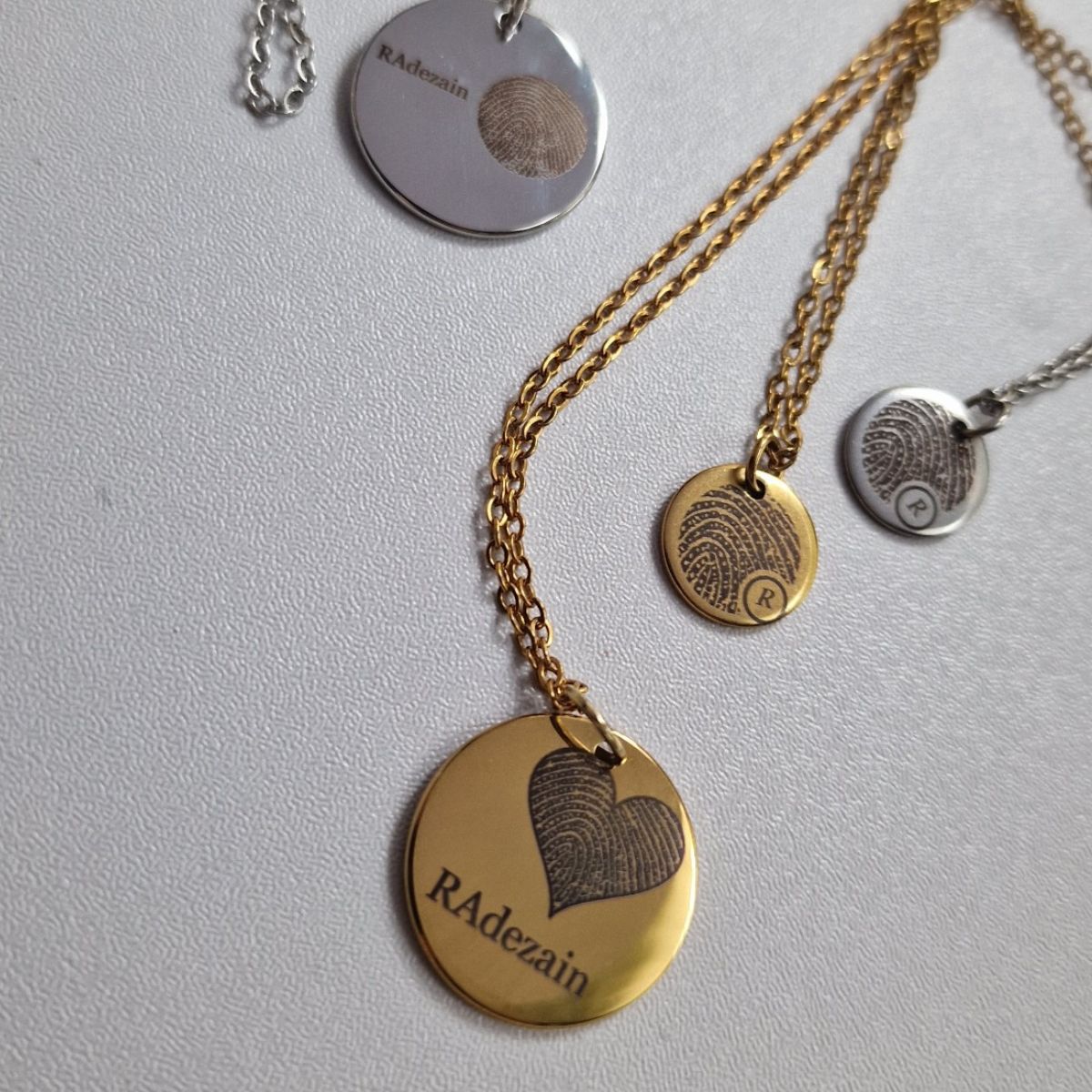
Description
You can’t get any closer
Names repeat. Other people know the date. But a fingerprint is only theirs — the one pattern that formed before they were born and stays the same for life.
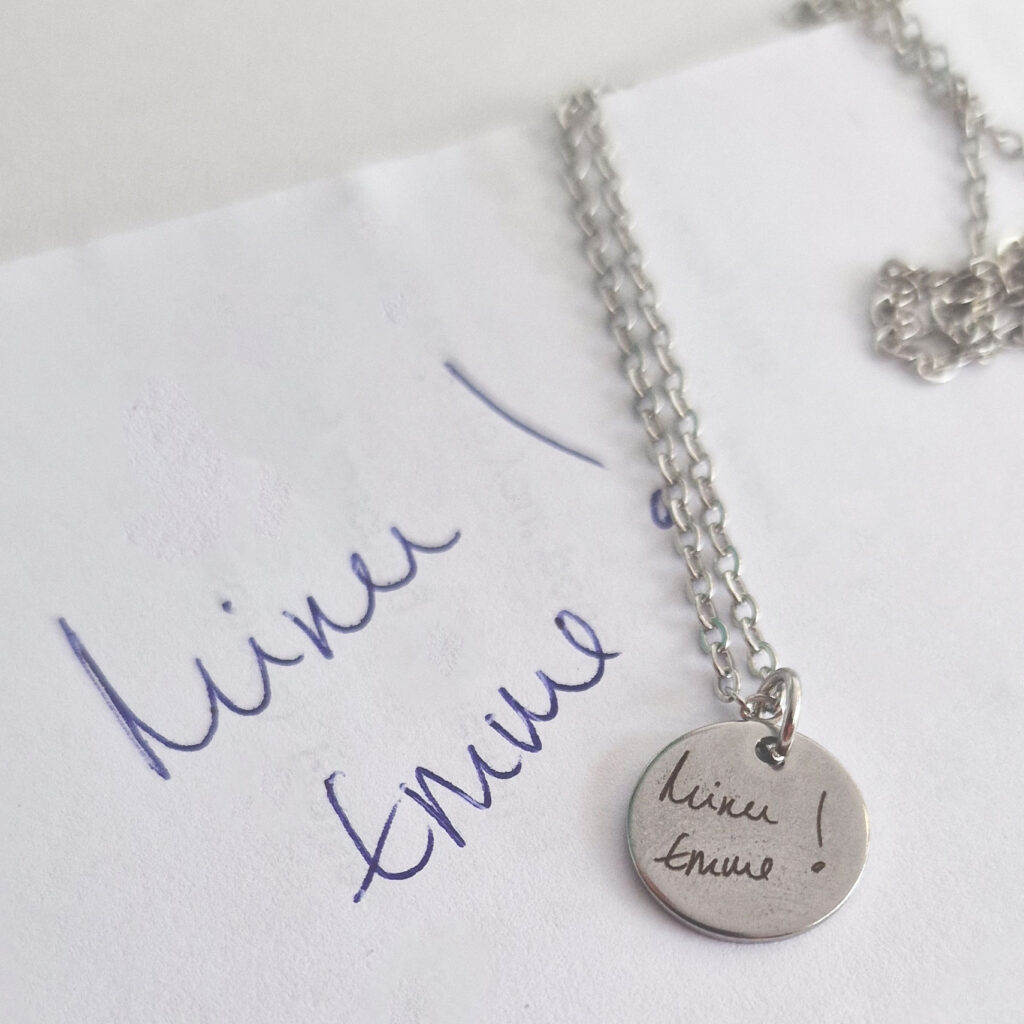
A child’s tiny fingertip. Your partner’s thumb. Grandma’s hand, which has done so much. This necklace keeps that print exactly as it really is.
Design the piece yourself
With personalised jewelry, everyone asks the same thing: «but what will it actually look like?» Here you can see for yourself. Upload a photo, draw the box around the print and choose the size, shape and style — the preview updates as you go. Only once you like the result do you confirm the design and add it to your cart.
How to order
- Take the fingerprint on paper and photograph it (the guide is in the «How to take a good fingerprint?» section)
- Upload the photo into the designer and choose which part of the print goes on the piece
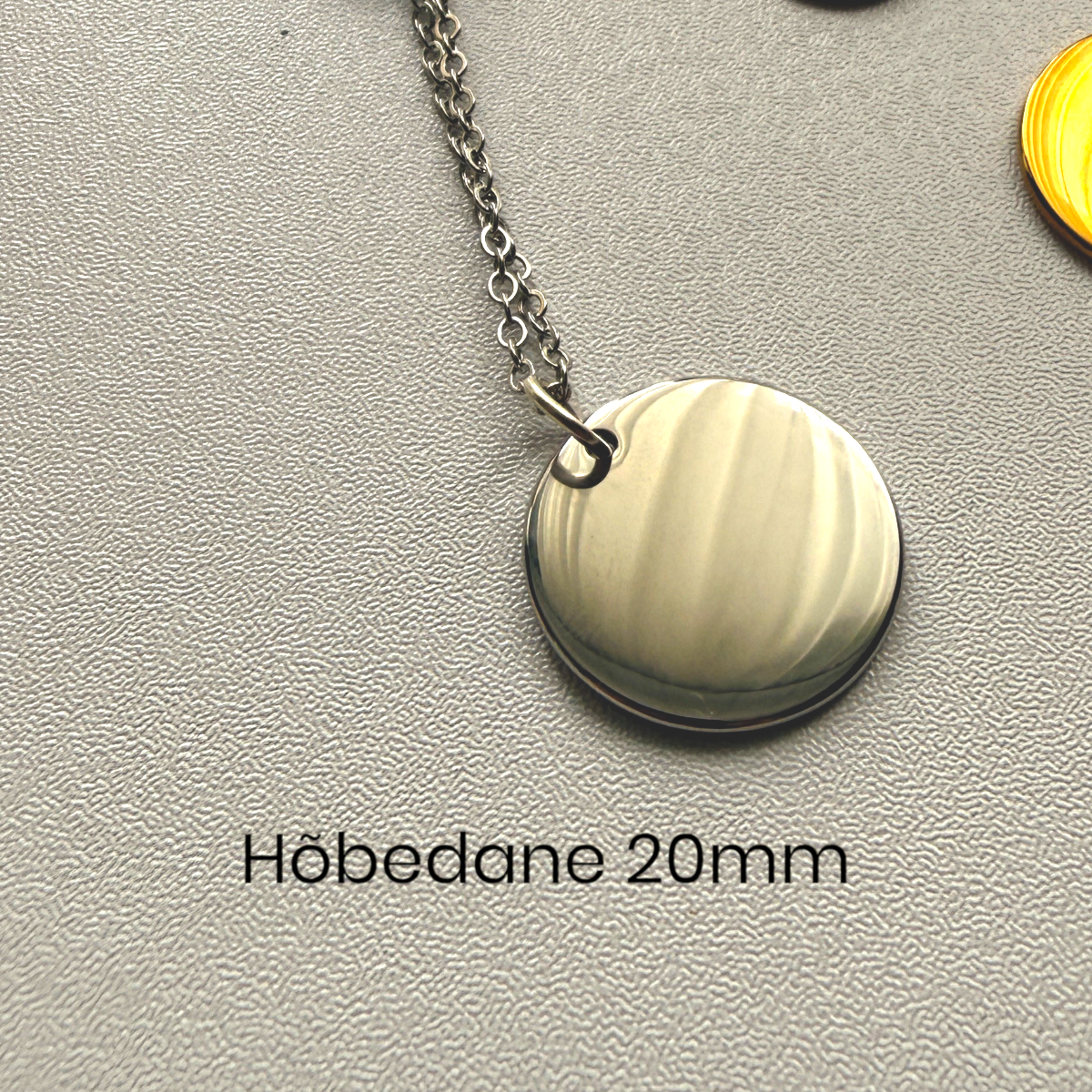
- Choose the size, shape and style — check the preview and confirm the design
- Choose the finish, and add something to the back too if you like
- We engrave it and ship within 1–3 business days
The perfect gift
- For mom — a child’s fingerprint that will never grow bigger
- For your love — the most personal mark the two of you have
- In memory — a loved one’s print you can carry with you
Goes well with
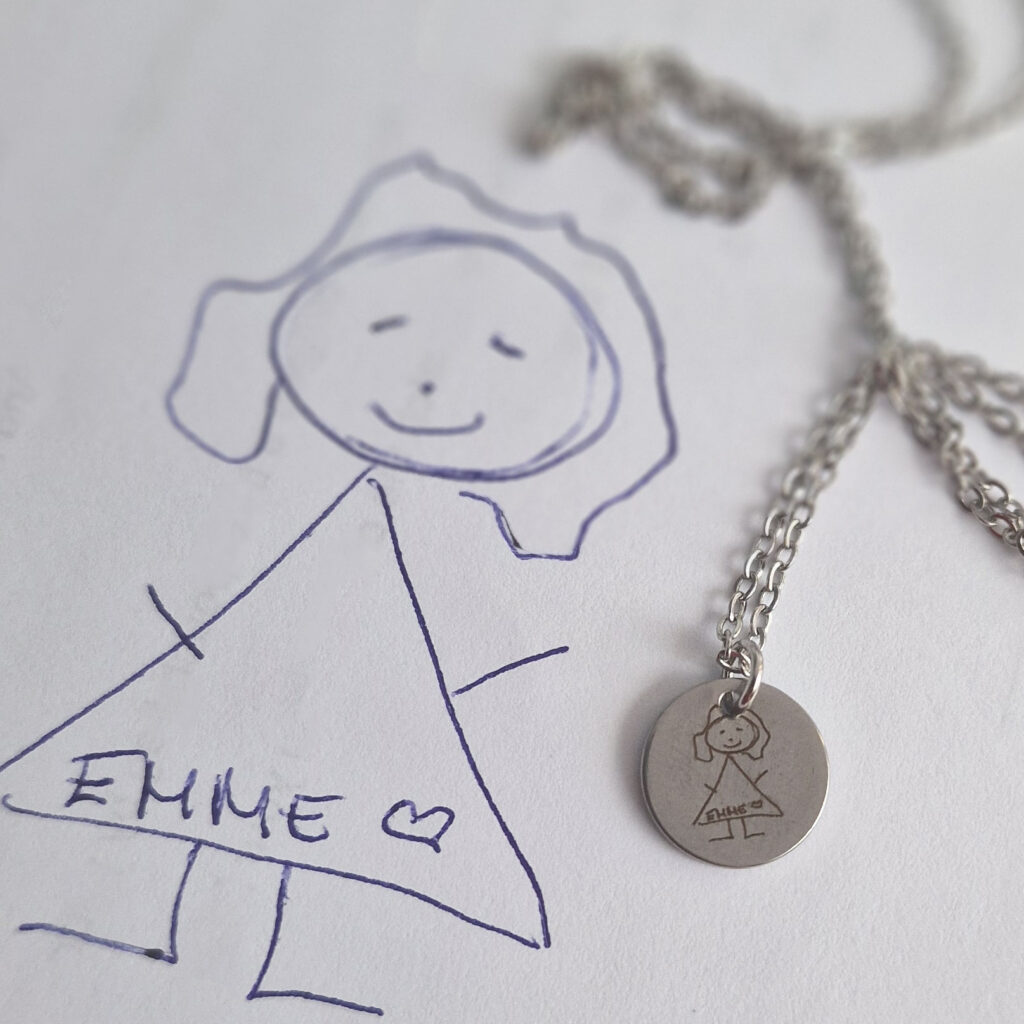
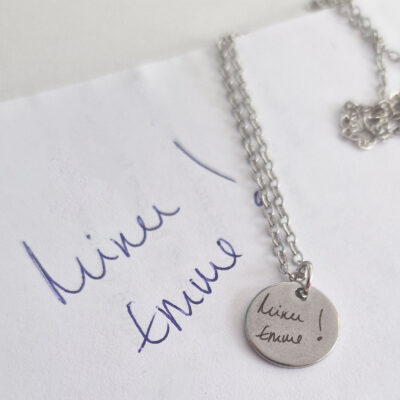
The same personal idea in another form: a necklace with your handwriting or a necklace with your drawing.
All you need: a pencil, white paper and sticky tape
It takes a couple of minutes and usually works on the first try. The pencil method gives the sharpest print — sharper than an ink pad, because ink tends to spread.
1. A clean, dry finger. Wash your hands and dry them properly. A damp or greasy finger leaves blurred lines.
2. Make a dark patch on the paper. Draw a square of about 5 × 5 cm on white paper and shade it evenly dark with a pencil. The more even the patch, the better the print.
3. Rub your fingertip on the patch so the ridges carry a proper layer of graphite. Make sure the whole area you want on the piece is covered.
4. Press your finger onto the sticky side of the tape — only ONCE. Don’t move or roll your finger, or the print will smudge. Lift the finger straight up.
5. Stick the tape onto white paper. Now the print is clearly visible: dark ridges on a white background.
6. Photograph it from directly above in good daylight, with the phone parallel to the paper. The print should be sharp and high-contrast, with no shadows or reflections.
7. Load the photo into the designer on this page and drag the box around the print. You’ll see a preview straight away.
What to avoid
- Moving your finger after pressing it onto the tape — this is the most common mistake
- A print that is too light (not enough graphite) or too dark (the patch has smudged the ridges together)
- A blurry photo, or one taken at an angle
Tip: make several prints side by side straight away and pick the clearest. That way you won’t have to start over.
We check every fingerprint before engraving. If a print is too blurry we’ll get in touch and ask for a new one — so nobody ends up disappointed with the result.
Do I have to take the fingerprint myself? Yes — with a pencil and sticky tape at home, it takes a couple of minutes. The full guide is in the «How to take a good fingerprint» section. We check the print before engraving and let you know if anything needs redoing.
Will I see what the piece will look like? Yes — the designer shows you a preview straight away. You can choose the right part of the print, the size, the shape and the style, and see every change on screen before you order.
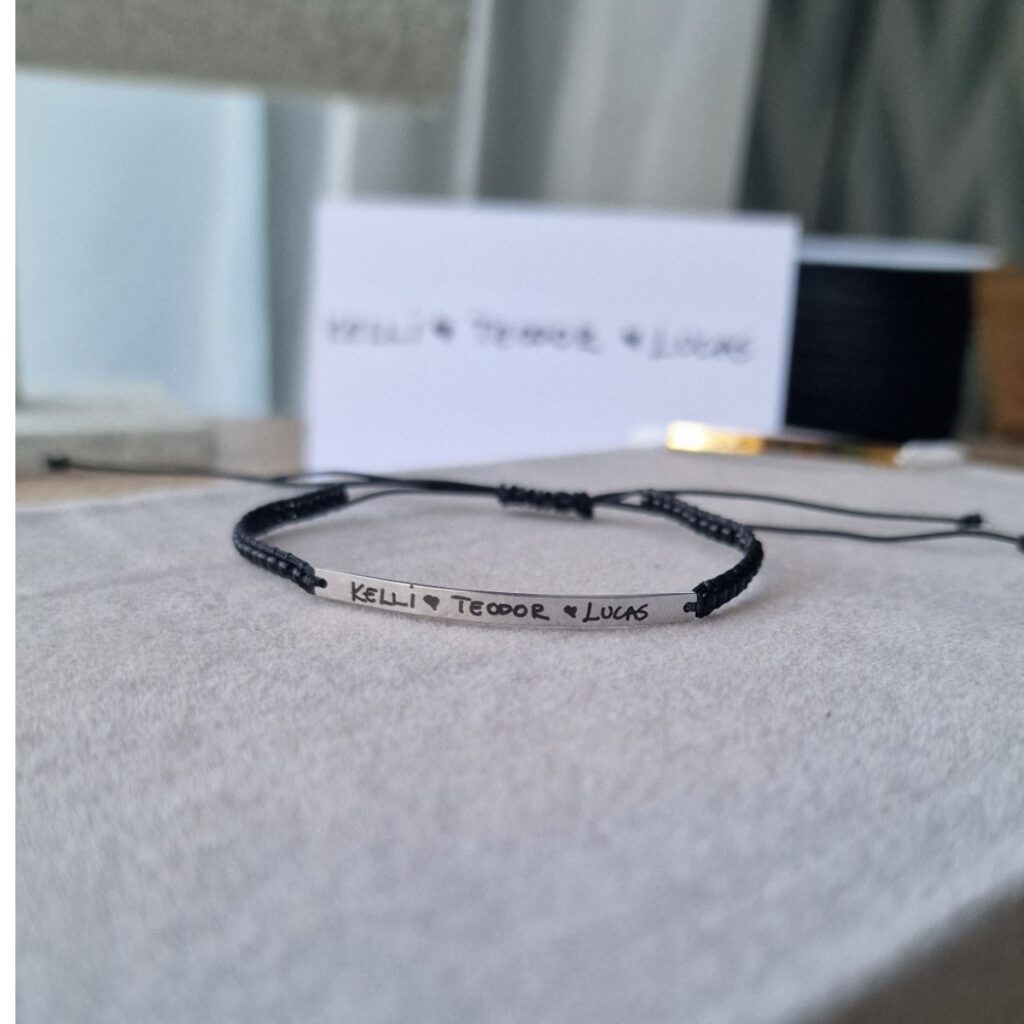
Can I add something to the other side? Yes — choose «Text or message» or «Image» (+€5). An image could be another fingerprint, handwriting or a small drawing.
Does a baby’s fingerprint work? Yes — with really small fingers we suggest taking several prints and picking the best. A toe print works too.
Can I capture the fingerprint of someone who has passed away? Yes. If you have the print (from a funeral home or a document, for example), we’ll engrave it just as carefully. Write to us if you need help.
What happens to the image I upload? We use it only for engraving and delete it once your order is finished.